
View Billing in the Partner Portal
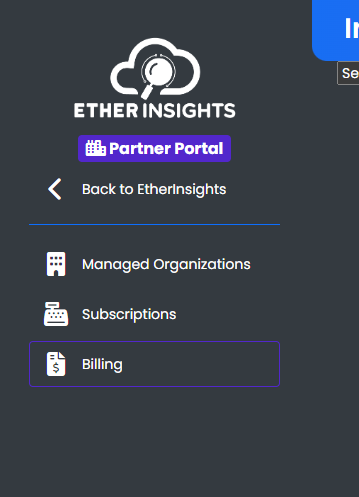
To View your Partners Billing, Navigate to the left Sidebar and Select Billing.
You are now on the Billing Main Page.
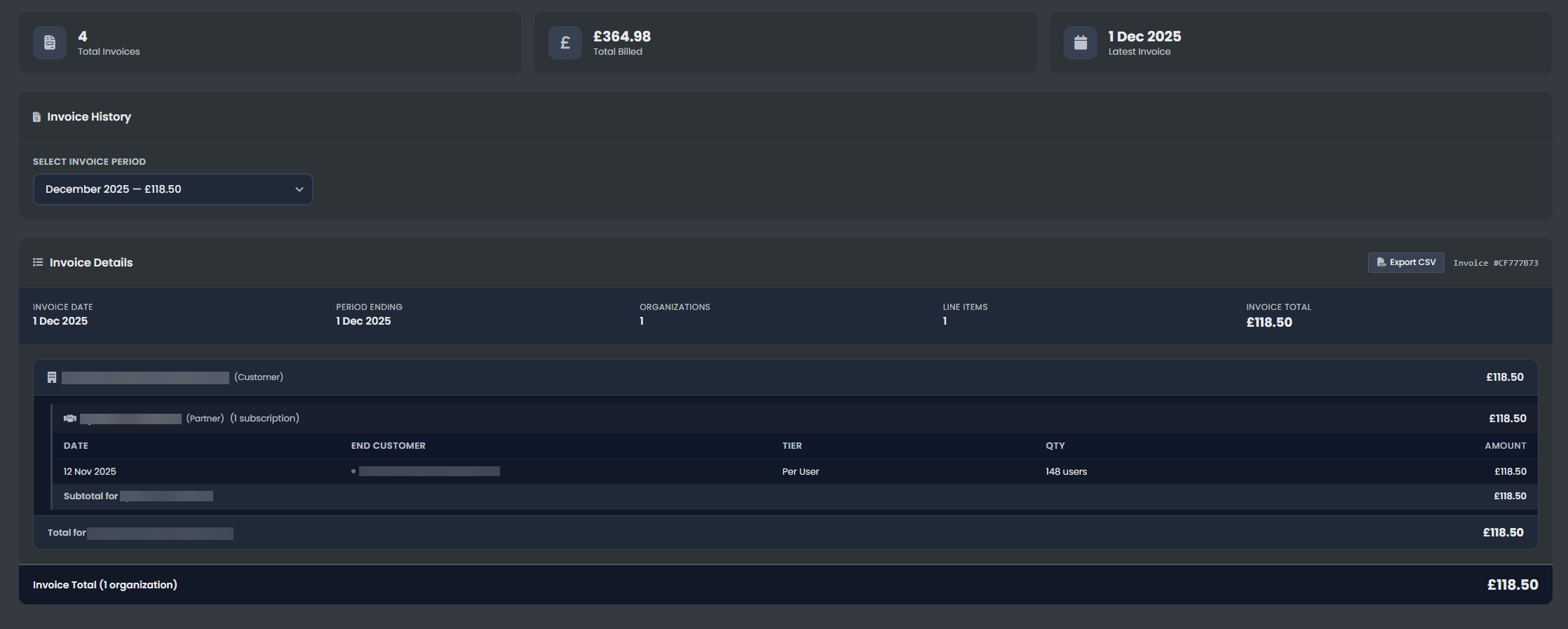
The image above shows the main Billing page of the Partner Portal, where you can:
- Review all current and past invoices for your managed organizations.
- Download PDF copies of each invoice for your records.
- Filter and search billing records by organization, date, or status.
Use this page to keep track of your partner billing, ensure timely payments, and maintain financial oversight for all your managed organizations.