
View subscriptions in the Partner Portal
To View your Partners Subscriptions, Navigate to the left Sidebar and Select Subscriptions.
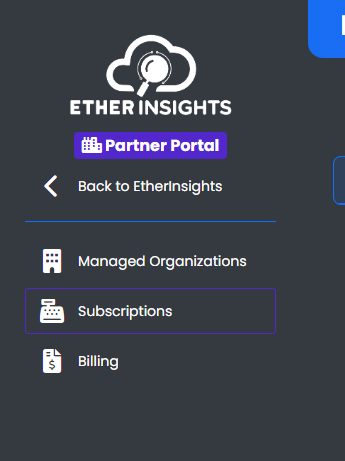
You are now on the Subscriptions Main Page.

Here you can view all active and expired subscriptions for each managed organization in your partner portal. Distributor and vendor partners can also see subscriptions owned by downstream child partners. Those downstream subscriptions are shown for billing visibility, but they remain managed by the owning child partner.
Select Manage to view the details of the subscription.
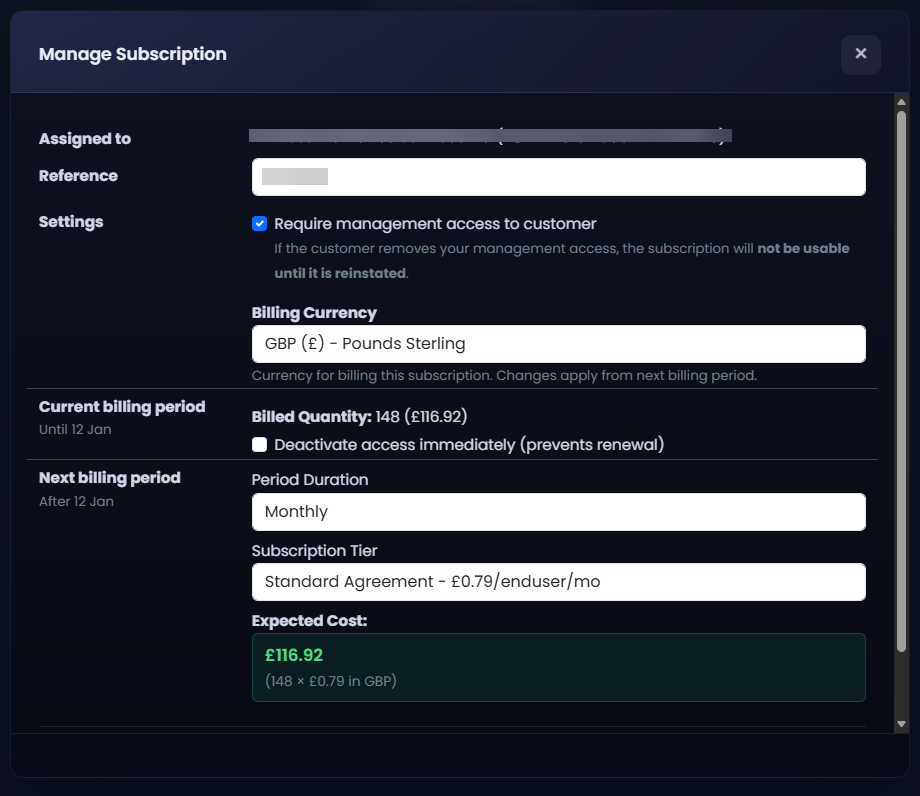
Use this page to track, manage, and update subscriptions for your managed organizations efficiently within the Partner Portal.